Label at the speed of thought
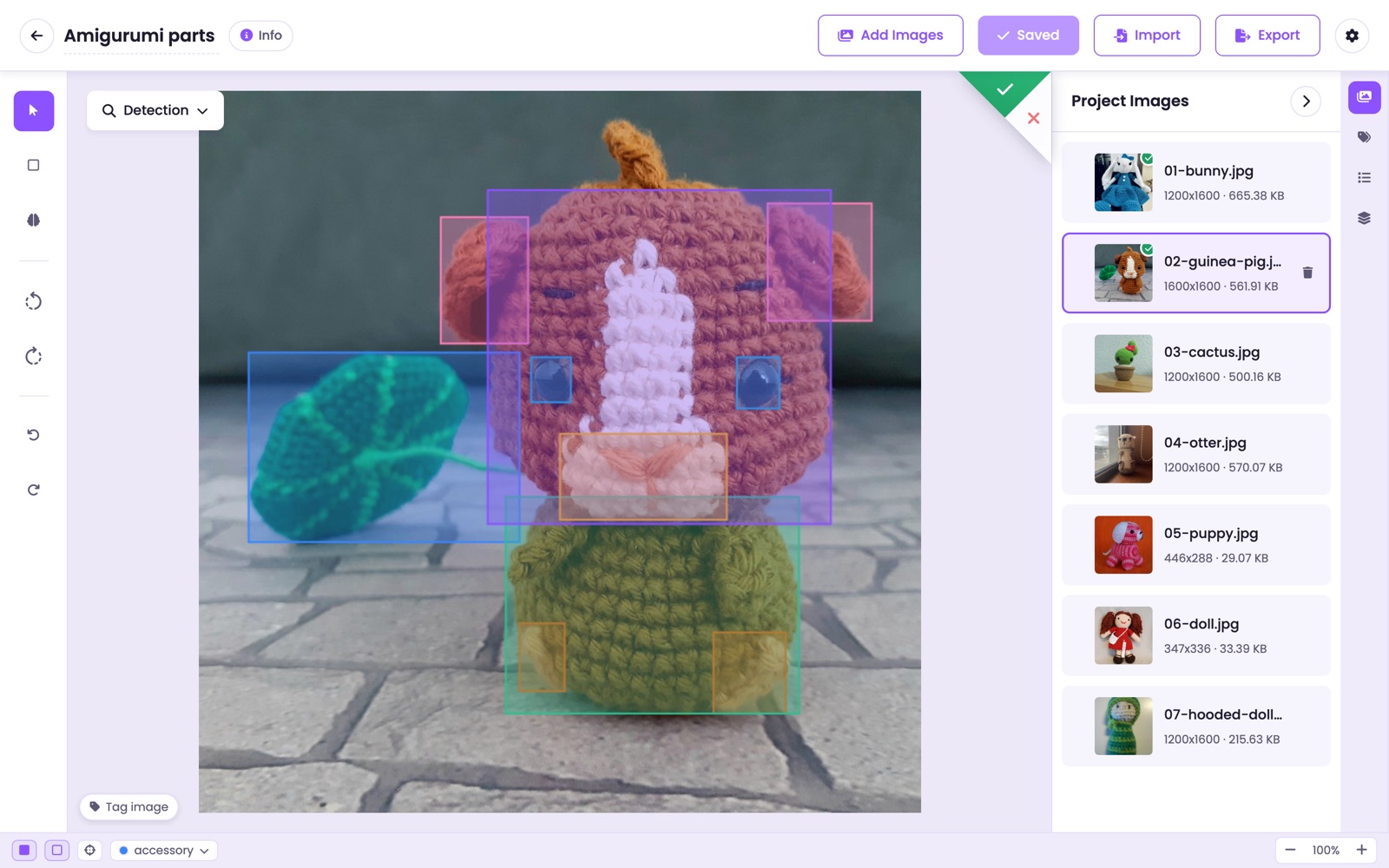
Boxes, rotated boxes, polygons, curved polygons, ellipses, brush and eraser. Click once and Segment Anything outlines the object, running locally on your Mac. Tag whole images for classification.
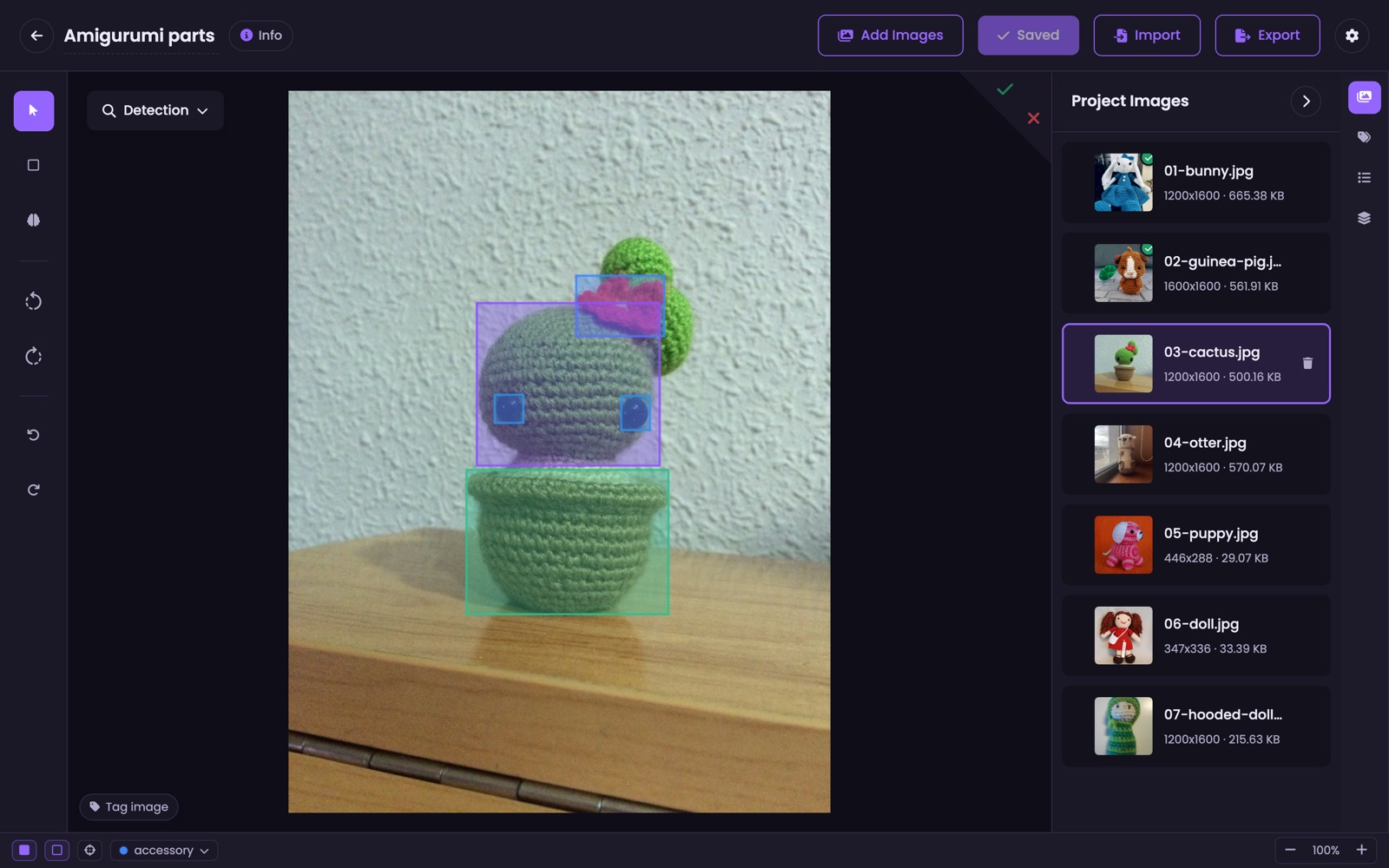
Ligno is a native Mac app for building computer-vision datasets. Draw boxes and polygons, let AI do the tedious parts, train a YOLO model on Apple silicon, then pre-label the next batch with it. Your images never leave your Mac.
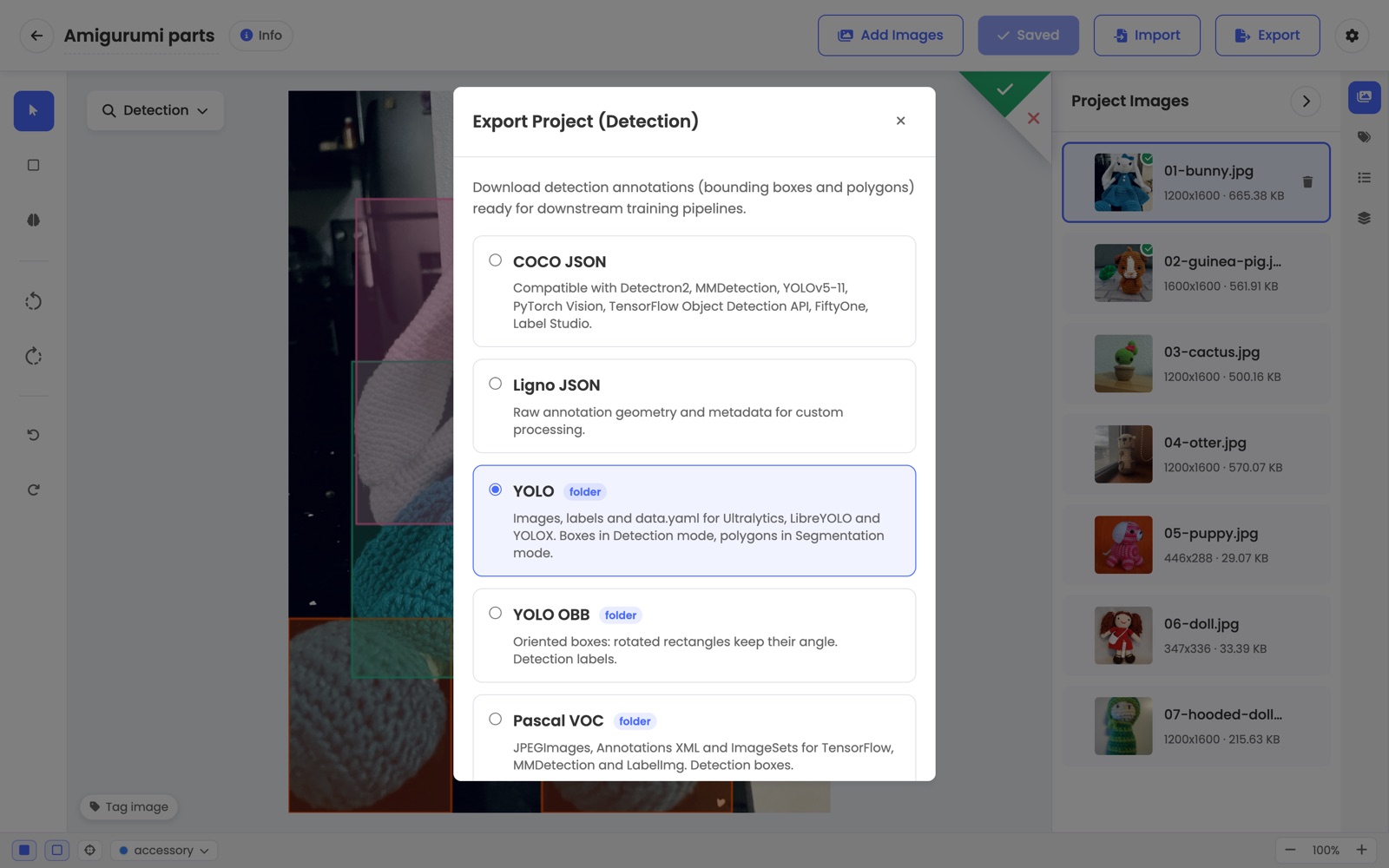
Imports and exports the formats you already train with
Everything a labeling tool should do, plus the parts that usually need a cloud account.
Boxes, rotated boxes, polygons, curved polygons, ellipses, brush and eraser. Click once and Segment Anything outlines the object, running locally on your Mac. Tag whole images for classification.
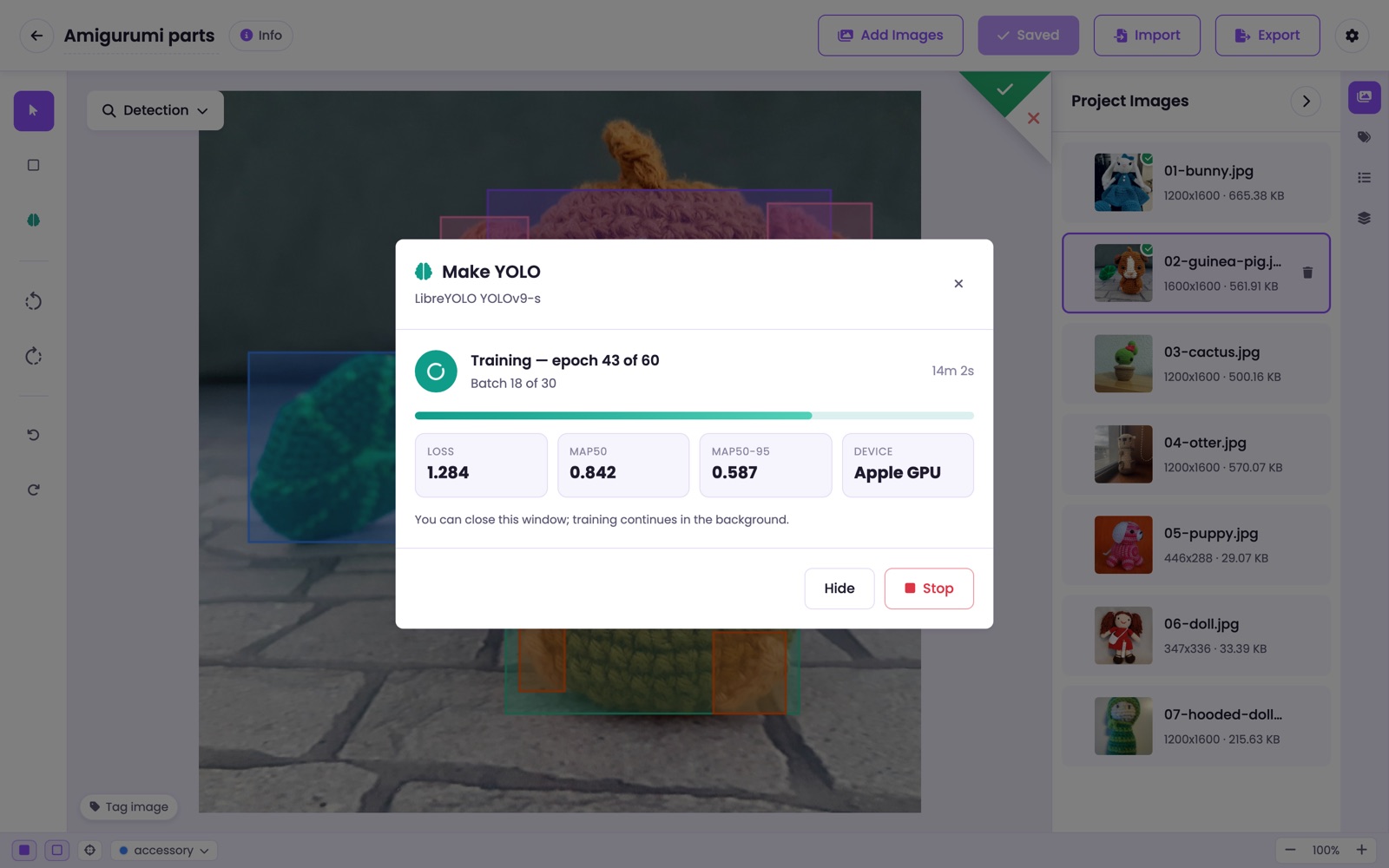
Mark images as done and train a detector on the Apple-silicon GPU. Live loss and mAP, no cloud credits, no Python setup to fight.
Run the model you just trained over new images and only fix its mistakes. Each round gets faster than the one before.
Search the web for images, download them straight into a project, and keep a record of every source and license. Duplicates are caught for you.
Describe what to find — “every eye and ear” — and Smart Vision draws the boxes with Google Gemini, using your own API key.
Projects are plain folders on your disk. Nothing is uploaded, nothing to sign up for, and it works on a plane.
Import labels from COCO, YOLO, Pascal VOC and LabelMe. Export COCO, YOLO, YOLO OBB, Pascal VOC and classification folders with train/validation splits — photos come out upright, EXIF handled.
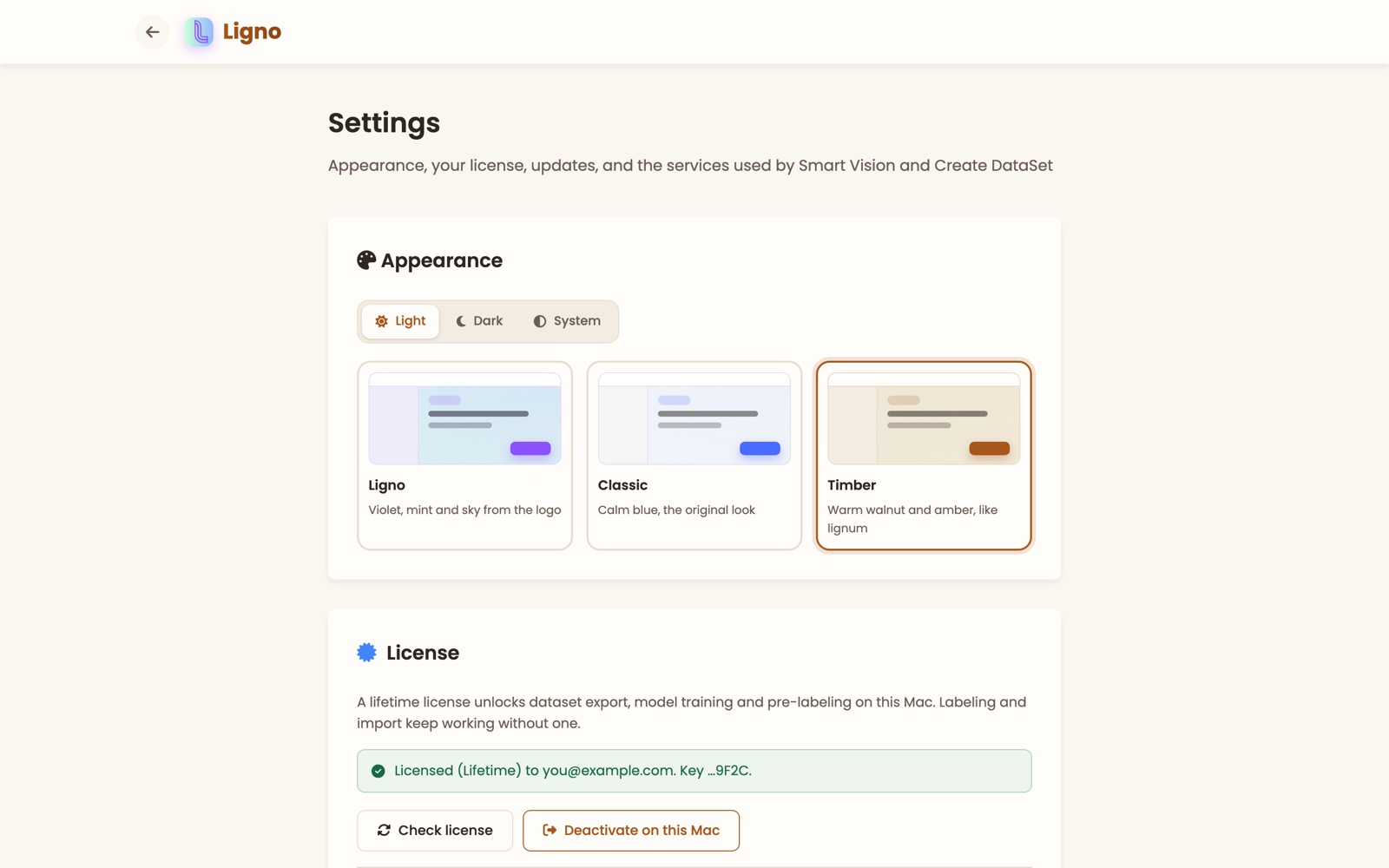
A native app with three themes — Ligno, Classic and Timber — each in light and dark, following your Mac's appearance.
Get the app from this site. No account, no card.
Label, train, pre-label and export with nothing locked.
Paste your license key in Settings → License. That's it — no renewals.

Ligno for Mac
Checkout and taxes are handled by Lemon Squeezy. After the trial, manual labeling and import keep working; export, training, pre-labeling and the AI tools need a license.
Yes. Download Ligno and use every feature for 14 days. No account or card needed — Ligno only needs an internet connection once, to start the trial.
Your projects and labels stay, and you can keep labeling by hand and importing. Exporting datasets, training, pre-labeling and the AI tools (Smart Vision, Auto Segment, Create DataSet) ask for a license key until you buy one.
No. You pay once and the license is yours, with updates included.
Macs with Apple silicon (M1 or newer). Training uses the Mac's built-in GPU.
No. Projects are ordinary folders on your disk. Only the features you choose to use — Smart Vision with Gemini, or web image search — talk to those services, with your own API keys. To run the trial and check your license, Ligno sends an anonymous ID of your Mac (a one-way hash, nothing personal) to our server about once a day.
After checkout you get the key by email. Open Ligno → Settings → License, paste it and click Activate. Moving to a new Mac? Click “Deactivate on this Mac” on the old one first.
Ligno now lives on the Mac, where it can use your GPU and keep your data private. The web editor is no longer offered.
Download Ligno, open a folder of images, and draw your first box.